Teamhero – Creating your shift plan: Sorted!
Creating a shift plan: Anyone who has worked in a business that needs a shift plan may still remember the large paper charts with the shift plan in the glass display case. Then came the popular but very cumbersome Excel spreadsheets for shift planning. How can it be done better today? Let’s take a closer look at Teamhero:
Schedule changes
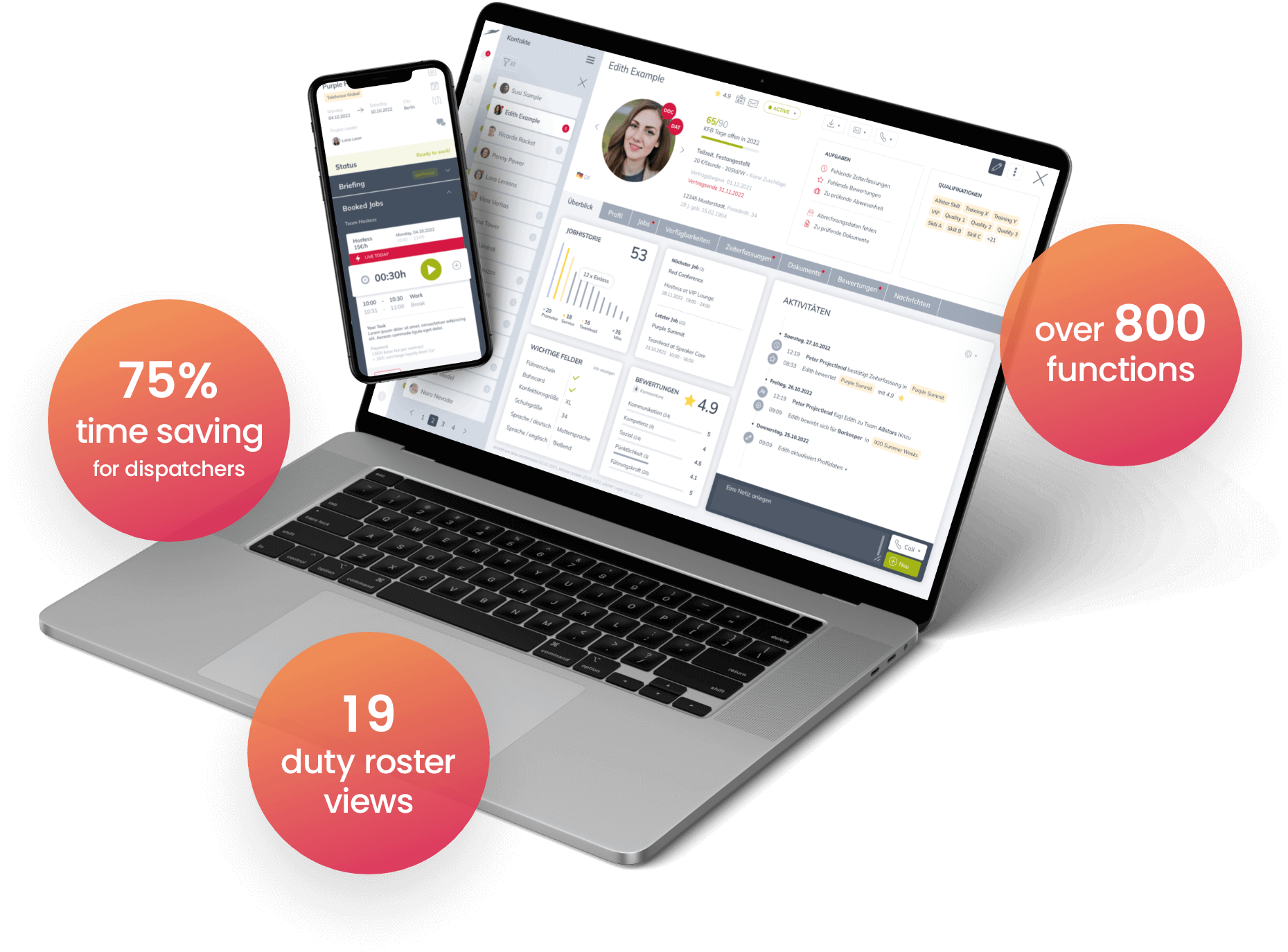
Whereas you used to have to pick up the phone, exchange lots of emails or seek a personal conversation with the boss to swap shifts, with Teamhero it’s now really quick. The employee simply notifies the project manager in the Teamhero system with just a few clicks, and the project manager reschedules with Teamhero. Conveniently, this notification can be sent from any device, including your own smartphone – from anywhere.
This way, the project manager can also quickly find a replacement if an employee drops out.
Preferred working hours
This Teamhero feature significantly improves personnel planning because employees can enter their preferred working hours and their possible working hours. The result: fewer schedule changes are needed after the shift plan has been created. Employee satisfaction naturally increases as well, since their wishes and needs are taken into account. And in times of labor shortages, that is not exactly unimportant for employers.
Create a shift plan quickly
With one click, the employee is scheduled for the relevant day. Ideally, the plan is aligned with each employee’s preferred working hours, which Teamhero does automatically. By displaying planned hours, Teamhero prevents overbooking. Once the plan has been created, it is published with just one more click. Employees see their assignment times in their personal Teamhero account and are also notified by email or text message.
Many more smart features
We could write a lot more about job planning with Teamhero, but the shift plan is just one of many smart features that Teamhero offers. Take a closer look at them here.
Conclusion: Creating a shift plan
By taking team members’ preferred working hours into account and ensuring smooth operations, companies gain happy, satisfied employees. So Teamhero can certainly have a positive effect on the working atmosphere. In addition, it is quick and effective for the personnel planner to use. It saves time and nerves. By the way, testing Teamhero is free of charge: www.teamhero.de/demo-anfragen/